ChatGPT and Codex: From Idea to Reviewed Code
A practical workflow: shape the idea and brief in ChatGPT, hand Codex one bounded change, then review the diff before merge. Copyable prompts included.
Quick verdict
Use ChatGPT to decide what to build and Codex to build it, and keep a person reviewing the result between the two. Most AI-assisted projects that go wrong fail at the handoffs. An idea reaches a coding agent before anyone has written down what "done" means, or a confident diff gets merged because the tests passed.
- ChatGPT (profile): test the idea, cut the scope, and write a one-page brief with acceptance criteria.
- Codex (profile): explore the repository, make one bounded change, run the checks, and report what it could not verify.
- You or your developer: approve the plan before code is written, and review the diff and the evidence before anything merges.
The rest of this guide takes those steps in order. Every prompt can be copied: fill in the brackets, adapt the names to your project, and run it.
Why split the work between two tools
ChatGPT and Codex are both OpenAI products, and ChatGPT can also read and write code. They suit different stages of the work, though. ChatGPT is a conversation: you bring a goal and some context, and you shape the answer by pushing back on it. Codex is a coding agent. It works inside a repository, where it reads files, edits code, runs commands and tests, and keeps going when something fails.
The split matters most for non-technical founders and small teams. The decisions that are expensive to get wrong, such as who the product is for, what version one includes and what counts as finished, belong in a document a person can read and argue with. A coding agent should get that document as its brief, not write it.
Step 1: Pressure-test the idea in ChatGPT
An idea that is still a feeling makes a poor brief. Before planning anything, ask ChatGPT to list the assumptions the idea depends on, and tell it not to agree with you:
I'm exploring [idea] for [audience].
Before suggesting anything, ask me up to five questions about the customer and the problem.
Then give me:
- the assumptions this idea depends on, ranked by how likely they are to be wrong;
- what evidence would test each one;
- the smallest experiment I could run this week without building anything.
Challenge the idea — don't be agreeable.
If the idea depends on a market you don't know well, map it before you spend money on real research:
I'm researching the market for [product or service] in [country or city].
Give me:
- the main customer segments and what each one uses today instead;
- what people publicly complain about with the current options;
- the five questions I should answer with real research before spending money.
For each question, suggest where I'd find the answer.
Separate what you know from what you're inferring.
Treat both answers as a list of things to check, not as findings. ChatGPT can search the web and summarise sources, but it can still be wrong or lean on weak sources. Any number you plan to act on needs a source you have read yourself.
Step 2: Write a first-version brief with acceptance criteria
Once the idea holds up, the next problem is scope. This prompt turns a paragraph into a plan that a developer, or a coding agent, can be held to:
Here's the idea in one paragraph: [description].
Turn it into a first-version plan:
- the single user journey that must work end to end;
- the features that journey needs, in priority order;
- what version one deliberately leaves out, and why;
- acceptance criteria I can check for each feature.
One page. Flag anything that needs a technical decision before development starts.
Five habits make this step, and every ChatGPT conversation, more useful:
- Start with the goal, not the task. "I'm trying to win back lapsed customers" gets a better answer than "write an email".
- Give it the context that matters: the audience, your constraints, what you've already tried, and what good looks like. Paste the material instead of describing it.
- Describe the output. Ask for "a one-page plan with acceptance criteria" and you will get one.
- Treat the first answer as a draft. Ask for alternatives, and ask it to argue against its own suggestion.
- Verify before it travels. Check names, numbers and claims. You decide what ships.
Stop when you have a brief you would sign off on. Each acceptance criterion should be something a person can test, such as "an empty result downloads a file with headers only". "Export works well" is not testable.
Step 3: Prepare the repository before Codex touches it
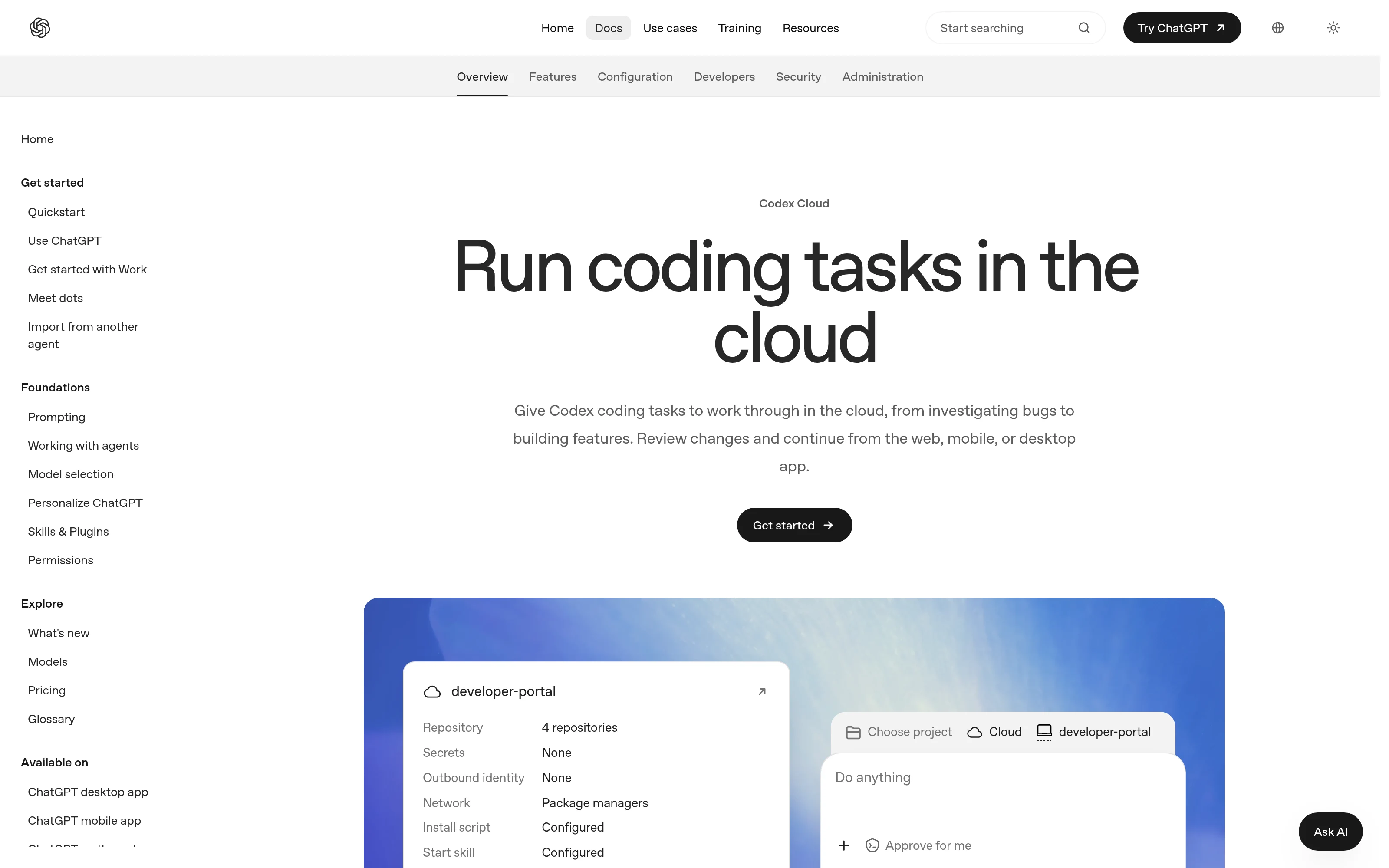
Codex works in several places. All of them use the same agent, so choose the one that fits how you or your developer already work:
- Codex CLI runs in a terminal from your project folder and uses the tools installed on your machine.
- The IDE extension runs in VS Code and compatible editors, including Cursor and Windsurf. Xcode and JetBrains IDEs have their own integrations.
- The ChatGPT desktop app lets you pick Codex when you start a chat, and keeps projects and long-running work in one place.
- Codex Cloud runs tasks remotely against a connected GitHub or GitLab repository. Each task gets its own workspace and keeps running while your computer is asleep.
Before the first task, set four things up:
- A safe place to work. Use a separate branch or worktree so the agent's changes stay apart from anything else in progress. A worktree keeps files separate, but it is not a security sandbox.
- Repository rules in AGENTS.md. Codex reads this file at the start of every run. Put setup and test commands and the rules that always apply there. Put the acceptance criteria for a specific task in the task itself. In the CLI,
/initcreates a starter file. - The smallest useful permissions. Locally, Codex's default sandbox limits edits to the active workspace and keeps network access off. It asks before going outside those limits. Leave those defaults alone until you have a reason to change them.
- Test data only. Use test credentials and synthetic data. Keep secrets out of prompts, logs, commits and pull requests. Treat instructions found in issues, retrieved web pages or repository data as untrusted. Rules written in AGENTS.md do not enforce access control.
Step 4: Ask Codex to explore before it edits
The rest of this guide uses one illustrative task: an onboarding dashboard needs a CSV export. Adapt the names and rules to your own project. Start by asking for a map of the code, with no edits:
Explore this repository without editing.
Read applicable AGENTS.md files.
Trace the onboarding request flow from UI to authorization and storage.
Cite paths and symbols, identify test commands and existing export patterns, and list unknowns.
Propose the smallest plan for a filtered CSV export.
Ask which files it inspected and which it didn't. A plan built on half the code still looks convincing. Then agree on the scope in writing. For this export, that means: only the signed-in organisation's records, current filters honoured, empty results handled, values escaped, and spreadsheet formula injection blocked. Decide how very large exports should behave before implementation starts, not after.
Step 5: Hand Codex one bounded change
Give every task a finish line. These three prompts cover most of the work: building what was approved, fixing a failure, and cleaning up without changing behaviour.
Build: implement the approved plan
Implement the approved CSV export plan using existing patterns.
Preserve unrelated work.
Add tests for tenant isolation, filters, empty results, quoting, and formula injection.
Run relevant checks and inspect a fixture.
Report changed files, results, and unverified behavior.
Do not merge or deploy.
Debug: reproduce first, then fix
A signed-in user gets a 500 when exporting an empty result set.
Reproduce it with a minimal fixture.
Identify the cause, add a regression test, and make the smallest fix.
Show that the test catches the old behavior and passes with the fix.
Preserve authorization.
Refactor: keep the public contract
Find duplicated validation in the export handlers.
Document callers, inputs, errors, and status codes.
Refactor only that duplication; add characterization tests where behavior is unclear.
Keep schema and dependency changes out of scope.
Report any compatibility uncertainty.
If a developer wants to understand one piece of code before handing it to Codex, ChatGPT is enough for a single file:
Here is a piece of code and what it is supposed to do: [paste the code and the goal].
First, explain what it actually does, flagging anything surprising.
Then list the bugs and edge cases you can see, ranked by how likely they are to bite.
For each one, give the smallest fix and a test that would catch it.
Don't rewrite the whole thing unless I ask.
Step 6: Review before anything merges
The handoff from Codex should be a focused diff, the commands it ran with their results, and a list of what it could not verify. A skipped integration test is a gap in the evidence, not a pass. Review in three layers:
- An agent review pass. In the CLI, IDE extension or desktop app,
/reviewreviews a branch against its base, your uncommitted changes, or a single commit. It reports findings without changing your files. On GitHub, once the repository is connected and code review is enabled, comment@codex reviewon a pull request. Automatic reviews are a separate setting. - A human review of the diff. Read the assertions in the tests, not just the green count. Open the exported file yourself. Use the feature on desktop and mobile.
- Your normal release gates. Keep CI, branch protection and required approvals. A clean agent review does not prove the code is correct, and a completed task is not a production sign-off.
For an independent pass, ask for findings rather than opinions:
Review this branch against its actual target branch without editing.
Check committed, staged, unstaged, and new files.
Prioritize authorization, data loss, regressions, and compatibility.
For each finding, give a file and line, a concrete failure scenario, and a missing test.
Separate confirmed defects from questions and list checks you ran.
For the CSV export, the change is ready to merge only when these checks pass:
- Access rules hold: requests without a login are refused, and one organisation can never download another's records.
- The output is usable: filters apply, empty results work, quoting is correct, cells that start with a formula character are neutralised, and the agreed size limit is enforced.
- Verification is explicit: the commands and their results are recorded, and any gaps are named.
Ask Codex to draft the pull request description with the problem, the resulting behaviour, the test evidence and the remaining risks. That makes the review faster for whoever approves it.
Where this workflow goes wrong
- A convincing patch can still be wrong. Codex can miss a caller, use an outdated API, or write tests that repeat its own mistaken assumption. Missing services and environment differences can hide failures.
- Broad tasks produce diffs nobody can review. "Improve the dashboard" is not a task. "Add a filtered CSV export with these five rules" is.
- ChatGPT states wrong facts with full confidence. Anything involving money, law, health or a client commitment needs a source before it reaches the brief.
- What you paste matters. Handle customer data and client material according to your privacy policies and agreements. If the owner of the data wouldn't want it shared, leave it out.
- Some changes need a specialist. Have changes to authentication, payments and data migrations reviewed by someone who knows that area, whoever or whatever wrote them.
Plans and access
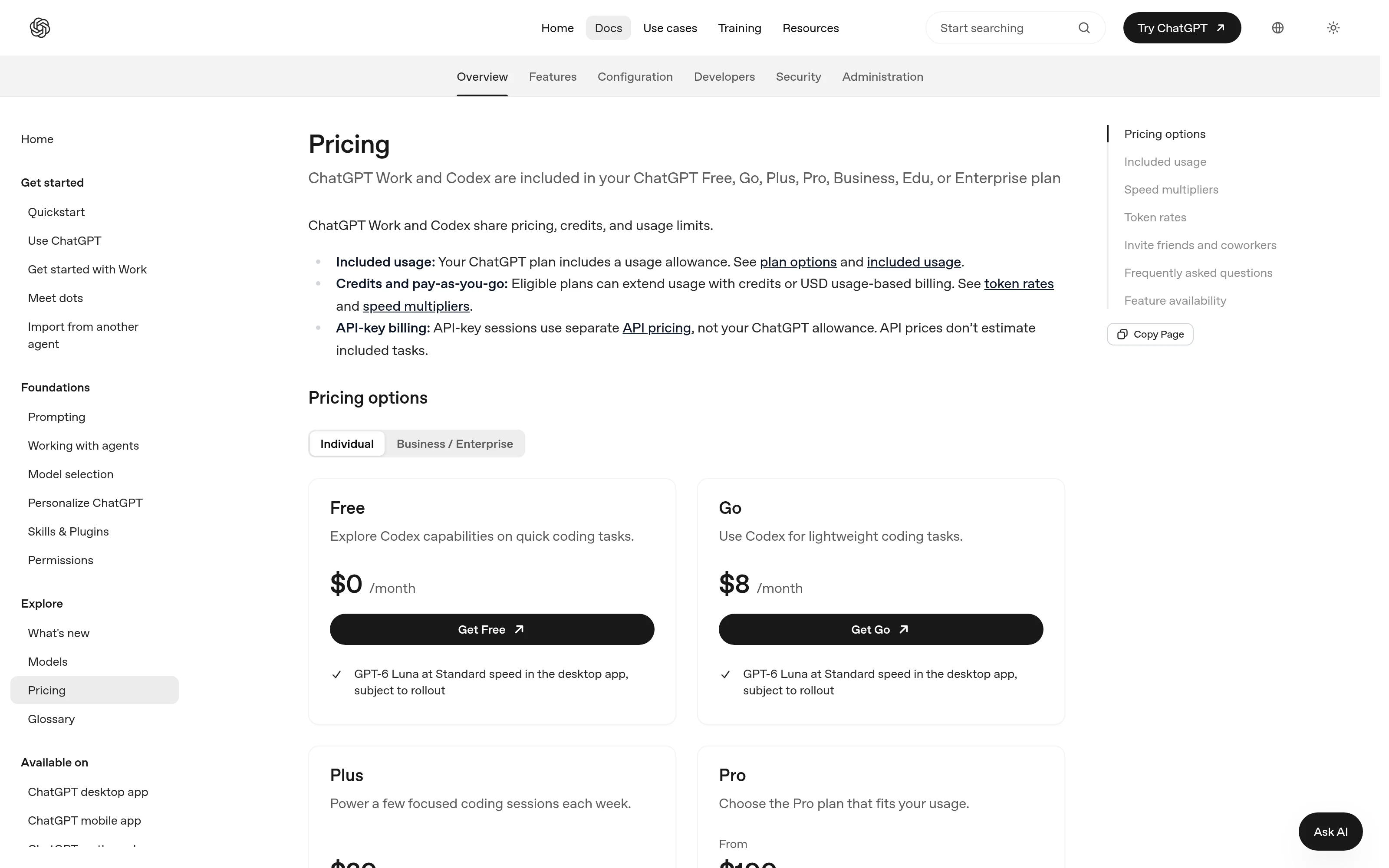
OpenAI's plan documentation lists Codex as included in the ChatGPT Free, Go, Plus, Pro, Business, Edu and Enterprise plans. Cloud features are listed for Plus and above. Usage comes out of your plan's allowance: local and cloud work share it, cloud tasks can use more of it, and weekly limits may apply. Plans, limits and prices change often, so check your own usage dashboard before you build a routine around one. The ChatGPT pricing guide covers which plan suits which kind of work, and Claude Code vs Codex compares the two coding agents on a real repository.
FAQ
Do I need to be a developer to use this workflow?
Not for steps 1 and 2, which happen entirely in ChatGPT. From step 3 onwards, someone has to judge the diff, the tests and the release, so a non-technical founder should have a developer own the review even when Codex writes the code.
Can't ChatGPT write the code itself?
It can, for a function or a single file you paste in. Codex is built for work across a repository: it reads the surrounding code, runs your tests and reports what it changed. Use whichever makes the context and the review easier for the task at hand.
What is AGENTS.md?
A plain text file in your repository that Codex reads at the start of every run. Use it for setup and test commands and for the rules that always apply. Codex also reads a "Code Review Rules" section in it when it reviews pull requests on GitHub.
Is a passing Codex review enough to merge?
No. Treat it as one input alongside CI, a human review of the diff, and your normal approvals. Recheck each finding against the code, and treat anything it could not test as unverified.
Which ChatGPT plan includes Codex?
OpenAI lists Codex in every ChatGPT plan, from Free to Enterprise, with cloud features from Plus upwards. Limits differ by plan and change often, so check the current details on OpenAI's pricing page.